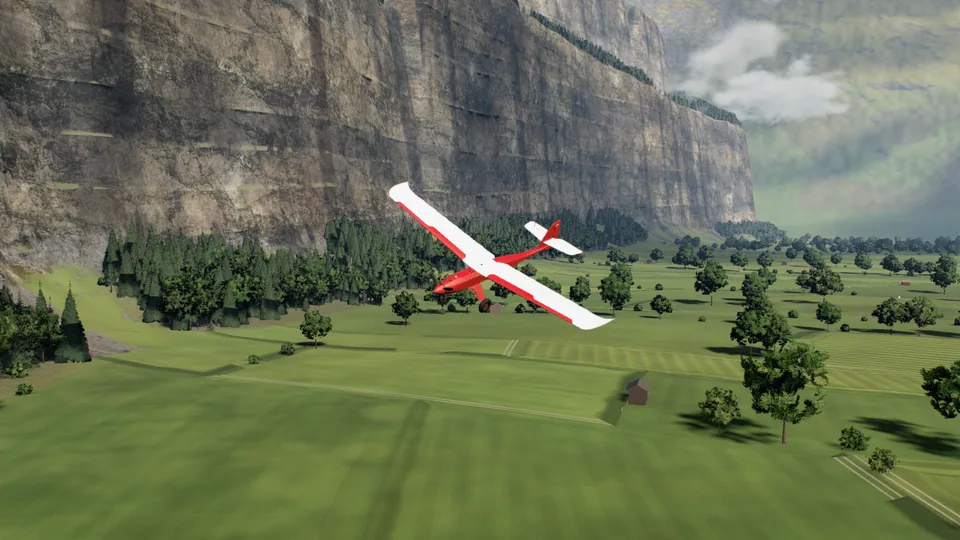
The spotter
Fly from where the pilot stands and sooner or later the plane goes behind something. At a real field a friend at your shoulder calls where it went. Since 31 October OpenFlight has one too.
What it does
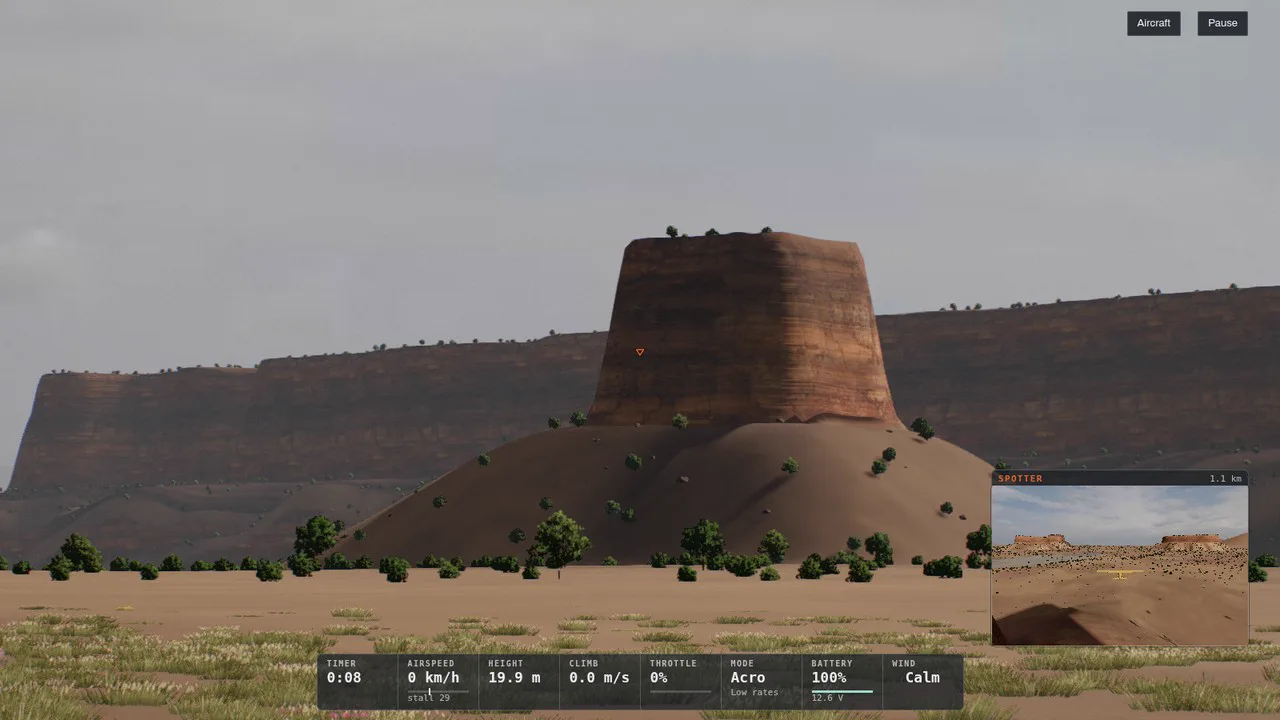
In the line of sight and pilot's views, when the ground or a rock stands between you and your plane, a framed inset opens in the corner. It shows the plane from behind, as the chase camera would, with how far away it is written above the picture. A small marker sits over the spot in your own view where the plane is hidden, so you know where to look when it comes out.
The moment you can see the plane again, the inset goes. It never opens in the onboard or chase views, in a replay or in a menu, and it works at every site.
How it decides
The game draws sight lines from your eyes to five points on the plane: the middle, both wing tips, the nose and the tail. The plane counts as hidden when all five are blocked. It asks ten times a second, and it waits a moment before it acts: the inset opens once the plane has been out of sight for 450 ms and closes once it has been back in sight for 700 ms, so a plane skimming a ridge line does not make it flicker.
Trees hide the plane too
Since 1 November, trees count. A tree's crown is not a solid wall: you can see a plane through the gaps in a thin one. So each crown lets through as much light as surveyed crowns do, 15.7 % for broadleaf trees and 18.4 % for conifers, and less the more of the crown a sight line crosses. When less than half the light gets through, that sight line is blocked. A trunk always blocks. In the Swiss Valley that is every one of its 69,402 trees.
Turn it off
The spotter is on by default. If you would rather lose the plane for real, switch it off in Settings, under Display.