Fly with friends: rooms open in OpenFlight
Since 19 October you can fly OpenFlight with other pilots. Sign in, open Fly with friends, and drop into a public room or make your own and send your friends its code.
Public rooms and your own
- Public rooms. The room list shows the rooms that are open to anybody. Pick one and you are in, flying with whoever is there. A public room holds up to 16 pilots.
- Your own room. Make a room: name it, choose who joins, the world and a game. A private room seats 8. Read your friends its six letter invite code, or send them the link that opens it.
- A room closes five minutes after the last pilot leaves.
The rooms run on OpenFieldRC's own servers, and only signed in pilots are seated.
What a room is like
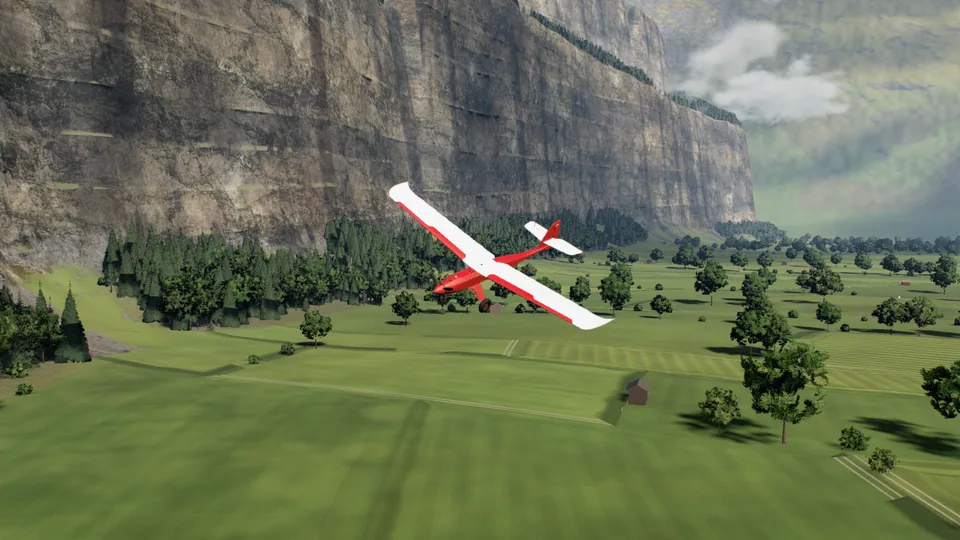
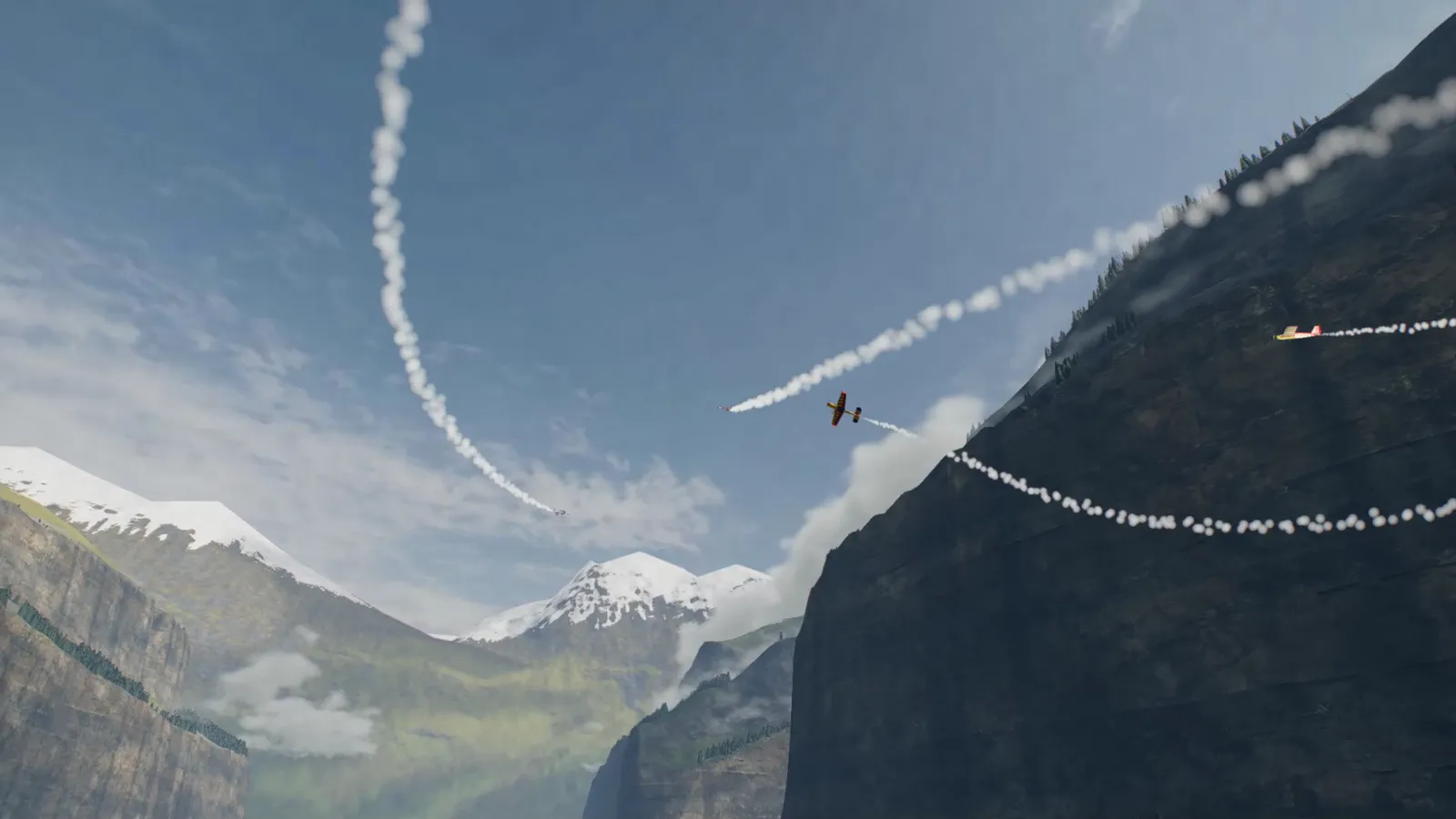
You see the others in their own planes, with their own paint and parts, and each pilot stands at a station on the field, the way a club flies. Mid airs are real, and a wreck is where it fell for everybody. The room is one session: when the host moves it to another world, everybody goes.
Nobody can type at anybody. Names are picked from a list, and the chat is set phrases, which each pilot reads in their own language. You can mute a pilot, report one, or block one for good.
Voice chat
Voice came to the rooms the same afternoon. It is off until you turn it on in a room, and off again when you leave.
- Listen only needs no microphone: you hear the others and nobody hears you.
- Push to talk on a key or a gamepad button, or an open mic.
- Distance voice: nearer pilots are louder.
- A volume for each pilot, all the way down to off.
Your replays keep the voices you heard, so a replay of a room sounds like the room. The first time you turn your microphone on, the game says so before it sends anything.
The next day
On 20 October the host's weather reached the whole room, so when the host sets the air gusty, everybody flies the same gusts. Later that day the host's time of day followed it. A pilot already in the air takes the new time at the next pause, never mid flight.